E-Conclave Digital Certificate Portal
jqueryaws s3python 2 min read ⚡️ Check it out! ⚡️

Introduction
E-Cell GLAU’s annual flagship event, Entrepreneurship Conclave ‘18, themed “Never Settle For Less,” was held on February 16-18, 2018. Featuring workshops and competitions attended by students nationwide, this portal streamlines the distribution of event participation certificates.
Portal Features
Easy Search and Download:
- Visit: Certificate Portal
- Choose your event and enter your name/email in the search box.
- Select the suggested name to display participant details and the download link.
- Click the link to download your certificate.
Behind the Scenes 🔧: Effortless Certificate Distribution
The certificates were automatically generated using an advanced, Python-driven workflow inspired by the E-Cell Membership Card Generation process.
Here’s how we made it seamless and efficient:
-
🚀 Fully Automated Workflow:
Leveraging Python scripts, we streamlined the entire certificate creation process, minimizing manual effort while ensuring accuracy. -
☁️ Secure Cloud Storage with S3:
All certificates are stored on Amazon S3, ensuring high availability and reliability for large-scale distribution. -
🔗 Pre-Signed URLs for Hassle-Free Access:
Certificates can be easily downloaded using pre-signed URLs, combining security with a frictionless user experience.
This robust solution guarantees a professional and effortless certificate-handling system for participants and organizers alike!
| E-Cell 2018 | E-Cell 2019 |
|---|---|
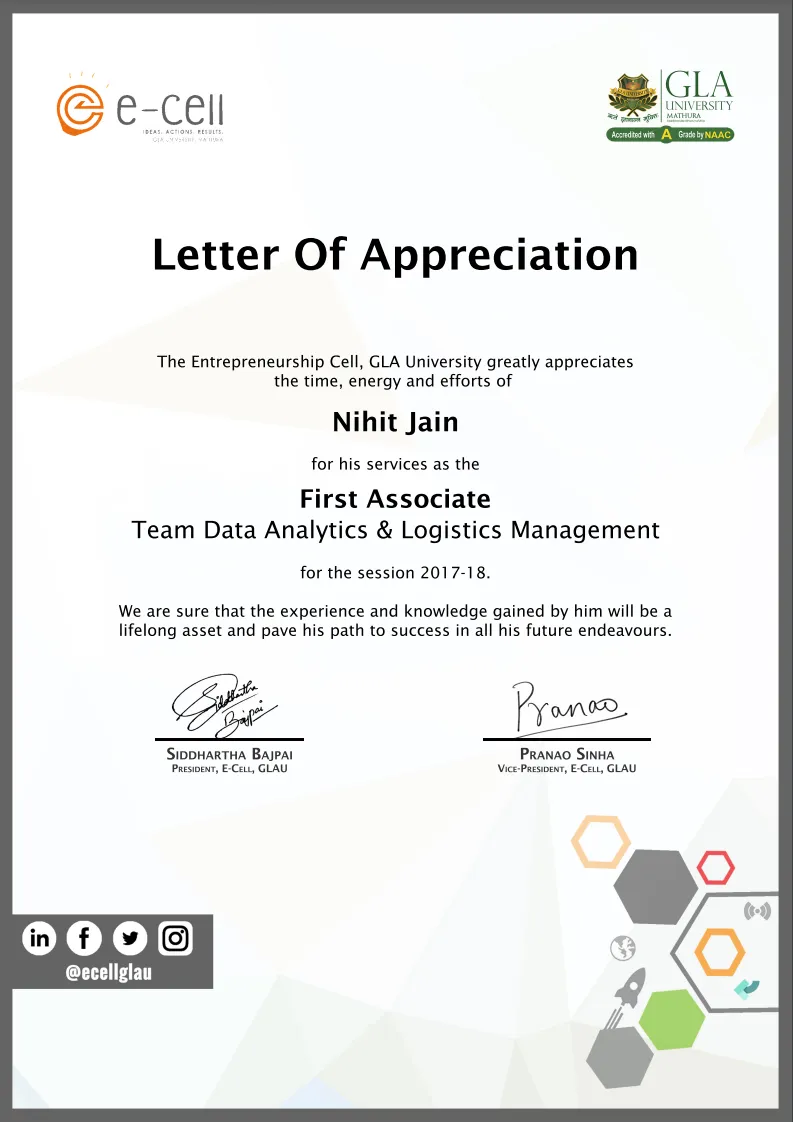 | 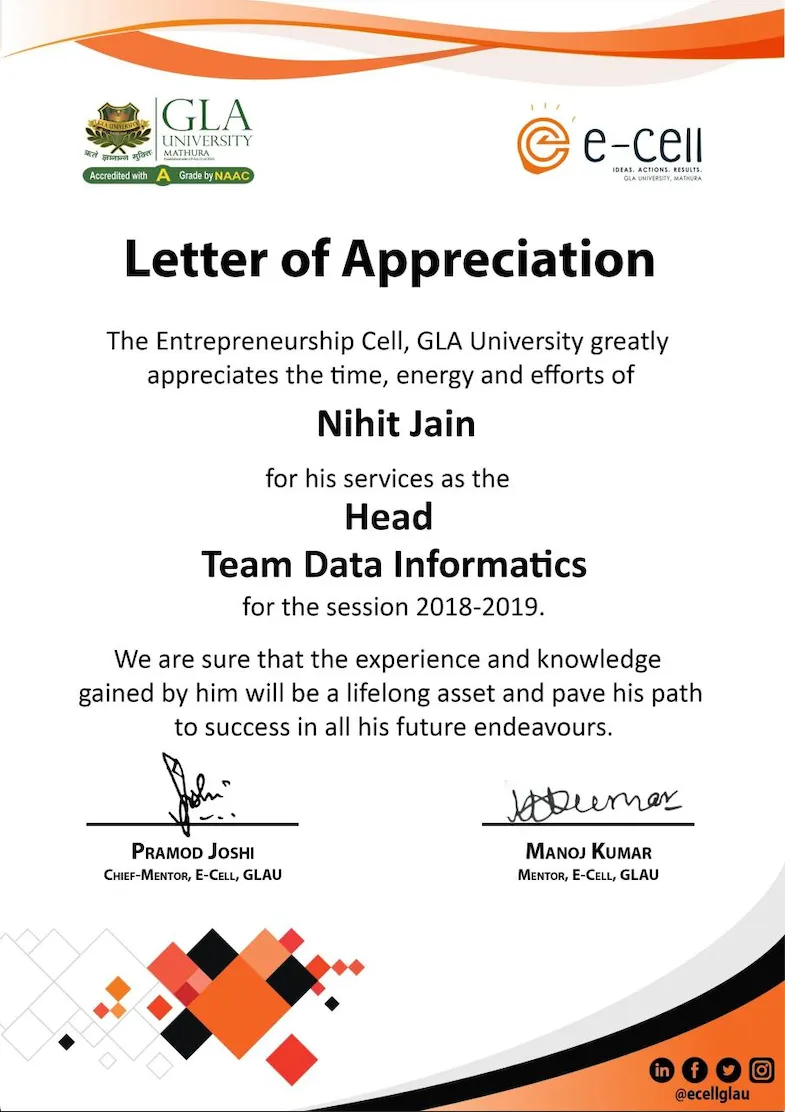 |
Setup
1. Certificate Data Update
- Update event-specific data in the
js/auto_[EVENT].jsfiles. - Use the
value_gen.pyscript to generate suggestions for autocomplete:- Input a tab-delimited text file (
File.txt) with participant details: Name, Email, Event Name. - Run the script in a Python 2 environment.
- Copy the output (
Generated.txt) to the corresponding.jsfile.
- Input a tab-delimited text file (
2. Requirements
For Certificate Generation:
- Adobe Photoshop (Certificate Template)
For Autocomplete Data:
- Python 2
- Text Editor (e.g., Sublime, Notepad++, Atom)
Code References: